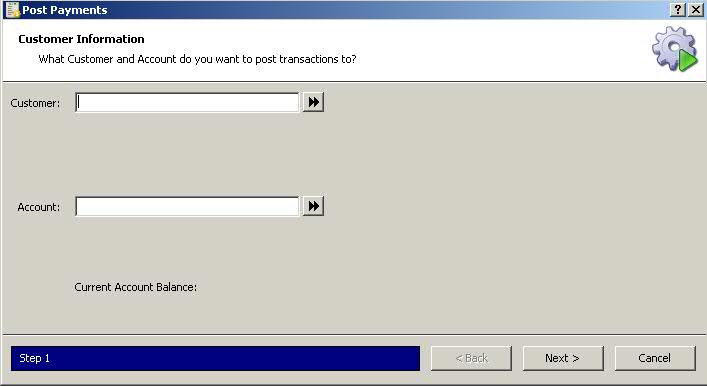
Payments to customer accounts are posted manually.
To post payments:
1. Access PrimeCare.
2. Click A/R. Select Posting and click Post Payments. Post Payments displays:
3. Type the last name, first name in the
Customer Name field, click the double arrows and then click  .
Post Payments displays the customer's current account balance:
.
Post Payments displays the customer's current account balance:
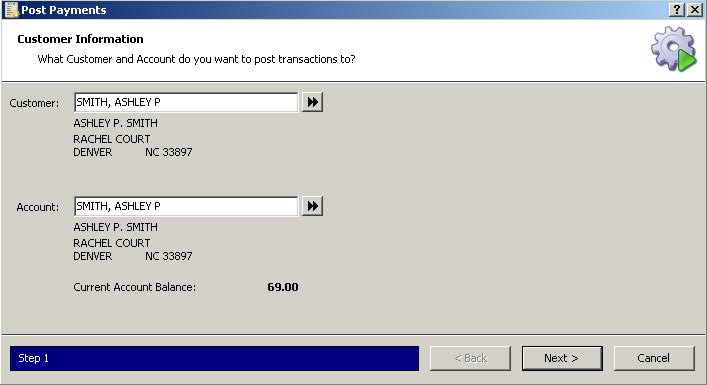
4. Click . Post Payments
details display:
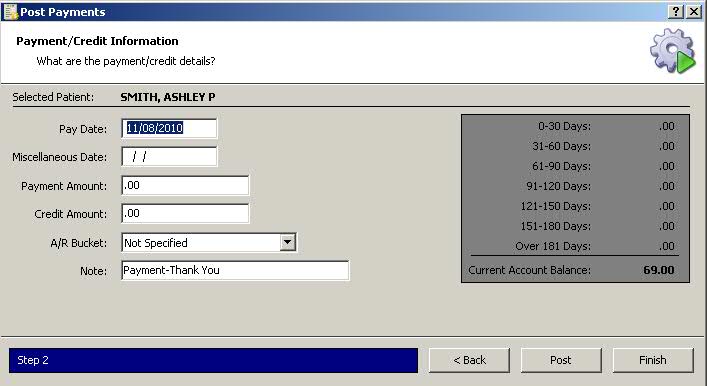
5. Complete all fields and click  . Payment
Posted displays:
. Payment
Posted displays:
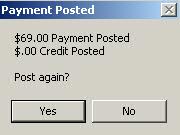
6. Click  to post to another
account. Click
to post to another
account. Click  to return to
Rx Processing Tasks.
to return to
Rx Processing Tasks.
Return to Accounts Receivable Overview