To create a new 1500 Format:
1. Access PrimeCare.
2. Click Store Control.
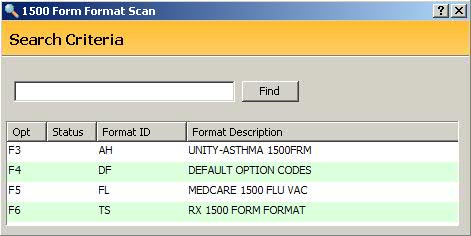
3. Select Pricing Options and click 1500 Formats. The 1500 Form Format Scan displays:
4. Click  and a blank 1500
Form Format screen displays:
and a blank 1500
Form Format screen displays:
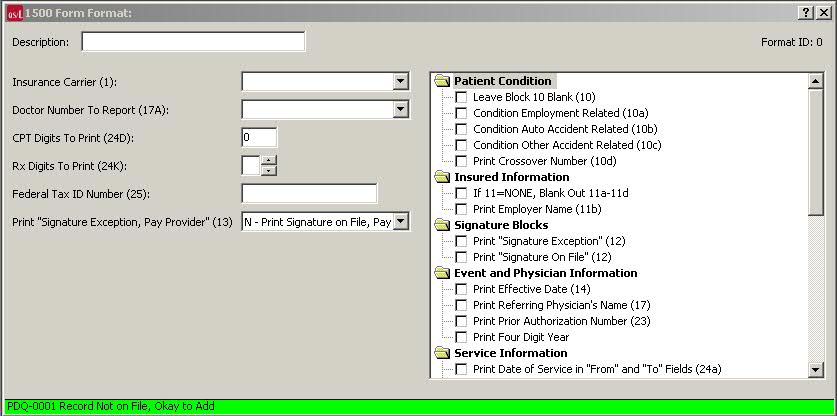
5. Complete all the fields on the screen and check the appropriate boxes for billing requirements.
6. Press CTRL+S or click
 .
.