Patient Medical Conditions Listing
To run this report:
1. Access PrimeCare.
2. Click Reports,
Select Patient and click Patient Medical Conditions Listing.
Select Options display:
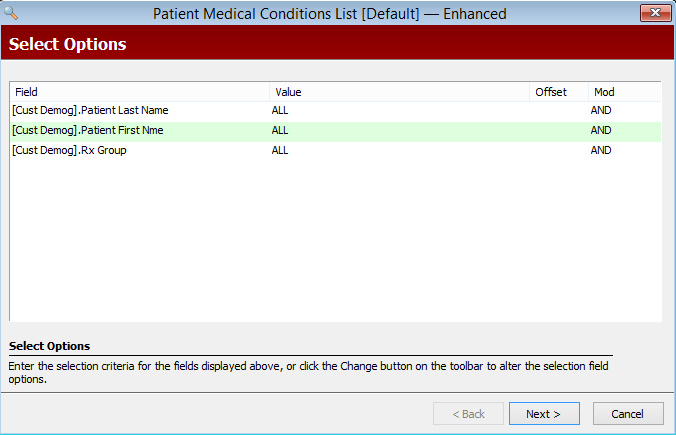
3. Complete the Select Options and click Next.
Sort Options display:
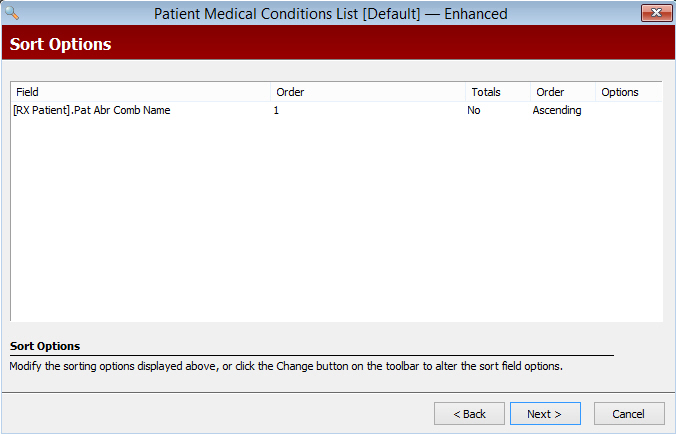
4. Complete the Sort Options and click Next.
Print Options display:
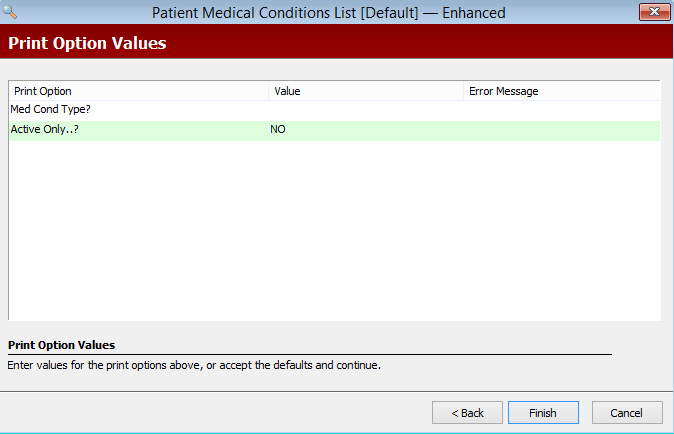
5. Use the following definitions to complete the Print Options:
- Med Cond Type: Type ALL to print both ICD-9 and
ICD-10 codes. Type 9
to print only ICD-9 codes. Type 10
to print only ICD-10 codes.
- Active Only: Type YES
to print only active medical conditions for the patient (excludes
records marked inactive (I) and deleted (#). Type NO
to print all medical conditions for patients.
Return to Patient
Reports