 on the Rx Processing
Tasks menu bar. The Electronic Claims Log displays:
on the Rx Processing
Tasks menu bar. The Electronic Claims Log displays:The Electronic Claims Log displays all prescriptions sent to third parties and Medicaid for payments. View the status of claims, third party payment information, rejection information, or Medicare Part D eligibility responses.
To access the log:
1. Access PrimeCare.
2. Click on the Rx Processing
Tasks menu bar. The Electronic Claims Log displays:
3. Type a prescription number in the Find field to search for a particular Rx.
4. Click the drop-down for Filter results by: to select a filter mode:
Reversals
5. Click the drop-down for Display Mode and select one of the following:
Individual
6. To view details for a particular claim, double-click the claim or press the corresponding function key.
7. The definitions below explain each column on the log:
| ELECTRONIC CLAIMS LOG | |
| Column Names | Column Definitions |
| Rx Number | Prescription number associated with the claim. Click ^ to sort the numbers. |
| DUR Status | Displays status of Read or Unread. |
| Elig. Status | Displays eligibility status of Accepted or Rejected. |
| D | Displays original fill date of prescription. Click ^ to sort the dates. |
| Patient Name | Name of customer for whom prescription was filled. |
| Price Plan | Price Plan for the claim. Click ^ to sort the plans. |
| Status | Displays
one of the following for each claim:
Ready - Claim is in queue to be transmitted Calling - Claim is being transmitted Paid - Claim has been accepted by the third party carrier Rejected - Claim has been rejected by the third party carrier Failed - Claim transmission failed Reversal - Claim in queue is to be refunded to the third party carrier Accepted - Claim was successfully reversed |
| R/S | Rebill/Secondary - Displays R if claim was rebilled to the third party; displays S if claim is sent to secondary third party. |
| Copay | Displays copay sent back from the third party. |
| $ Paid | Displays the third party adjudicated amount. |
| $ Cost Diff | Displays difference between cost submitted and cost the third party sent back. |
| $ Acq Diff | Displays difference between cost the third party sent back and the acquisition cost on the transaction. |
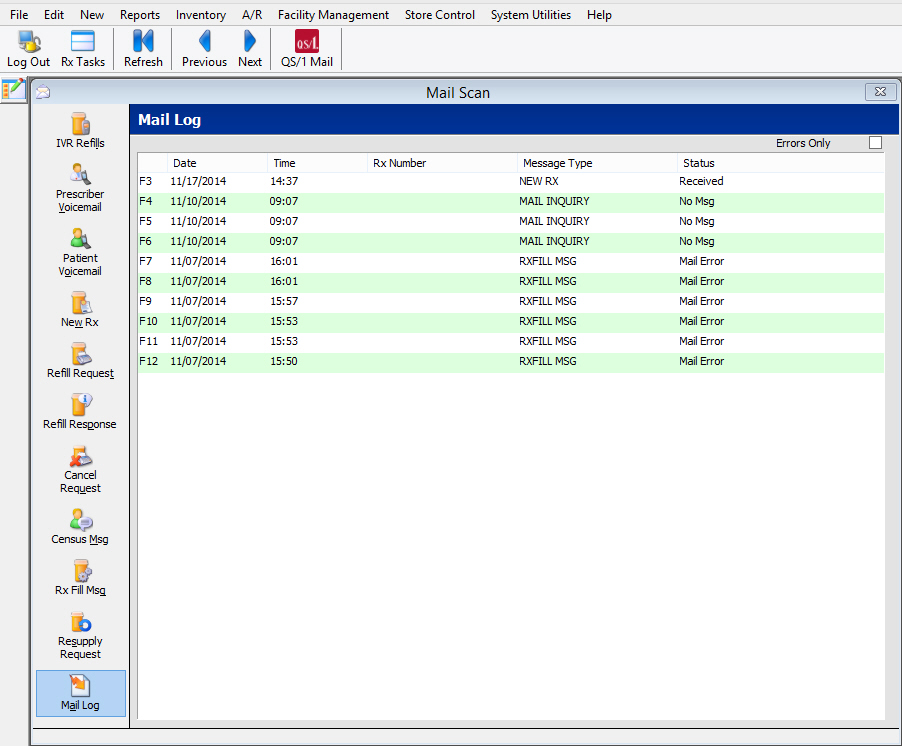
Click here for details about the Mail Log.
Return to Electronic Claims Overview