 on the main tool bar. The Reverse Claim window displays:
The Claim Reversal option is used when a claim is submitted in error.
To access the Reversal option:
1. From the ECS Log, double-click the claim to reverse. The Claim Payment Detail screen displays.
2. Click
on the main tool bar. The Reverse Claim window displays:
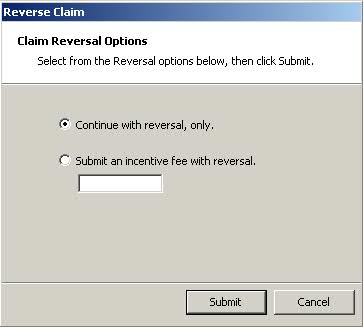
3. Select from one of the two options displayed and click  .
The Claim Reversal Results window displays:
.
The Claim Reversal Results window displays:
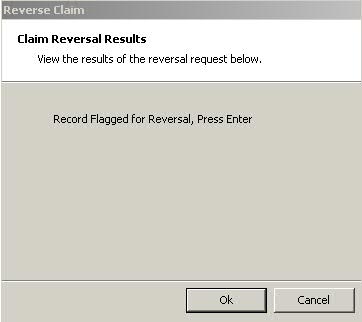
4. Click  or press ENTER
to complete the reversal process and return to the ECS Log.
or press ENTER
to complete the reversal process and return to the ECS Log.
5. Click  to verify the reversal
was accepted.
to verify the reversal
was accepted.
Return to Electronic Claims Overview