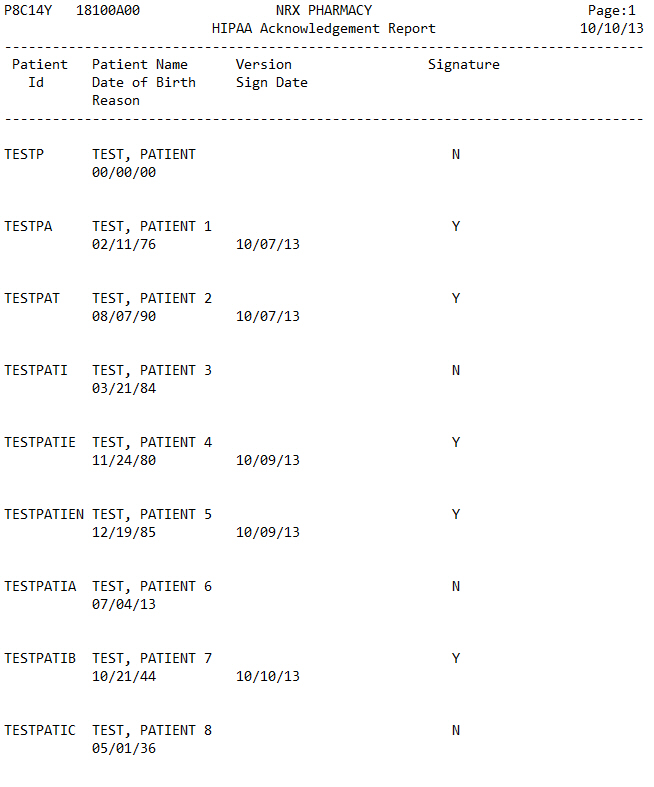
The HIPAA Acknowledgement List prints patients who have signed that they have received the HIPAA Notice of Privacy Practices. The information on this report is pulled from the HIPAA field on the Patient Record. The fields are: Patient Name, Date of Birth, HIPAA Version, Signature Date and Reason for Not Signing. Sample Report
The process of generating a report in NRx involves a set of steps referred to as Report Logic. These steps include selecting data, sorting the selected data in a certain order and then printing the report. Review Reports Overview for details on these steps.
To run this report:
1. Access NRx.
2. Click Reports. Select Patient and click HIPAA Acknowledgement List. Select Options display:
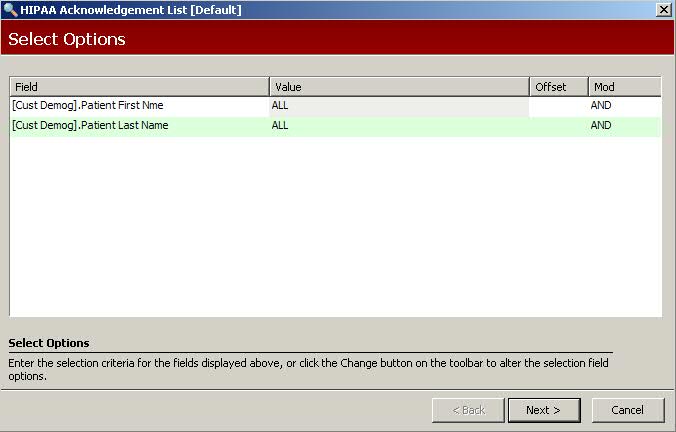
3. Complete the Select Options and click Next. Sort Options display:
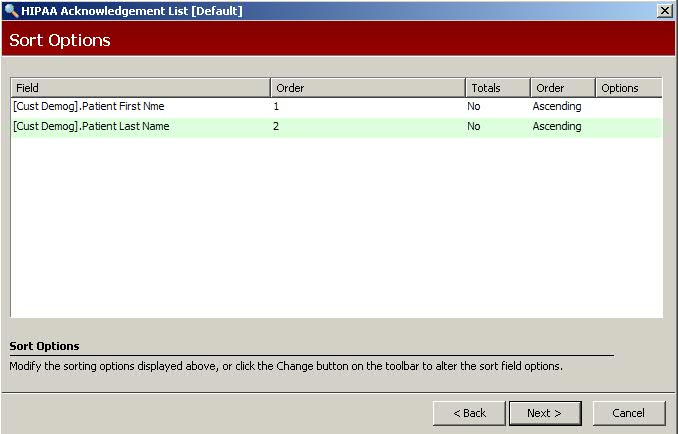
4. Complete the Sort Options and click Next. Print Options display:
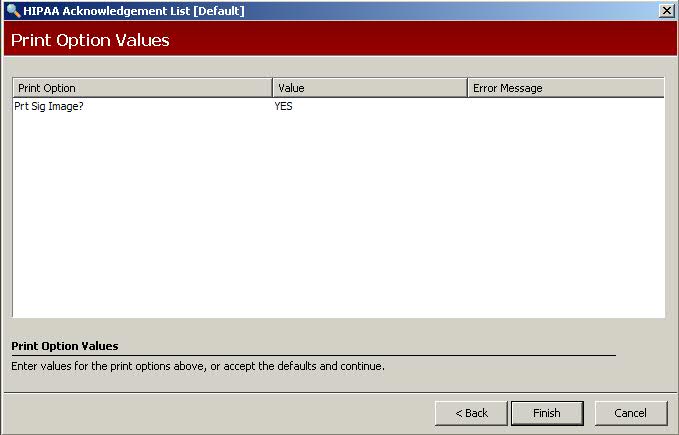
5. Use the following definition to complete the Print Options:
Prt Sig Image?: Type Yes to print the signature image on a laser printer if the electronic signature capture device is used.
6. Verify entry is correct and click Finish to print the report.