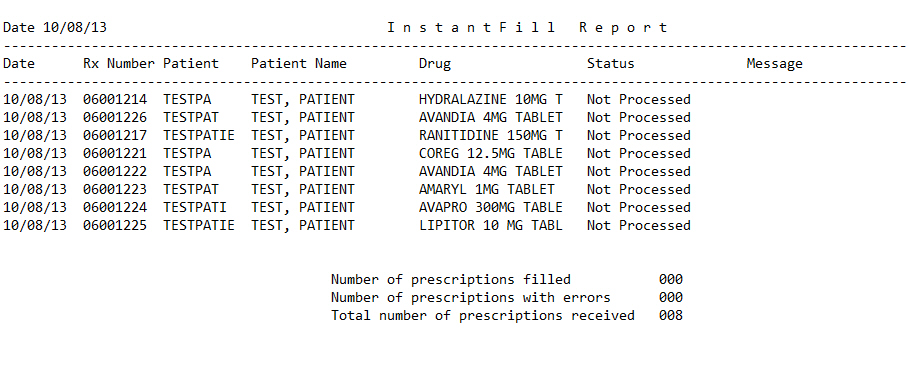
The InstantFill Reports lists information about InstantFill requests, including prescriptions filled, not filled and the reason why they were not filled. Sample Report
To run the InstantFill Report:
1. Click Reports. Select Management and click InstantFill. The Select Options screen displays:
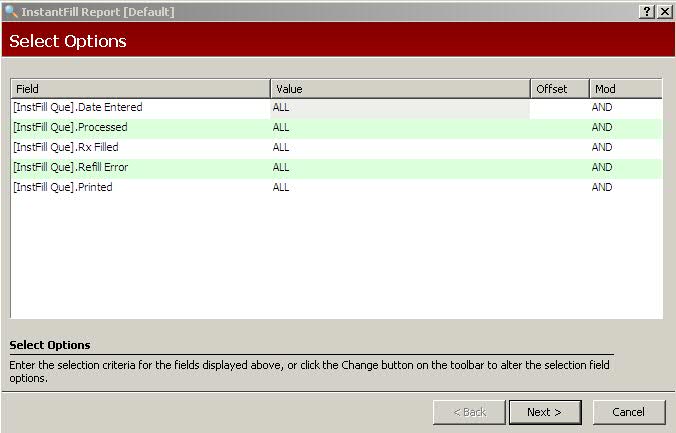
2. Complete the Select Options and click  . The Sort
Options screen displays.
. The Sort
Options screen displays.
3. Complete the Sort Options and click . The Print
Option Values screen displays.
4. Complete the Print Options and click  .
.
Return to InstantFill Overview